We've added video support!!!
 The Sorinai team·1 November·2 min read
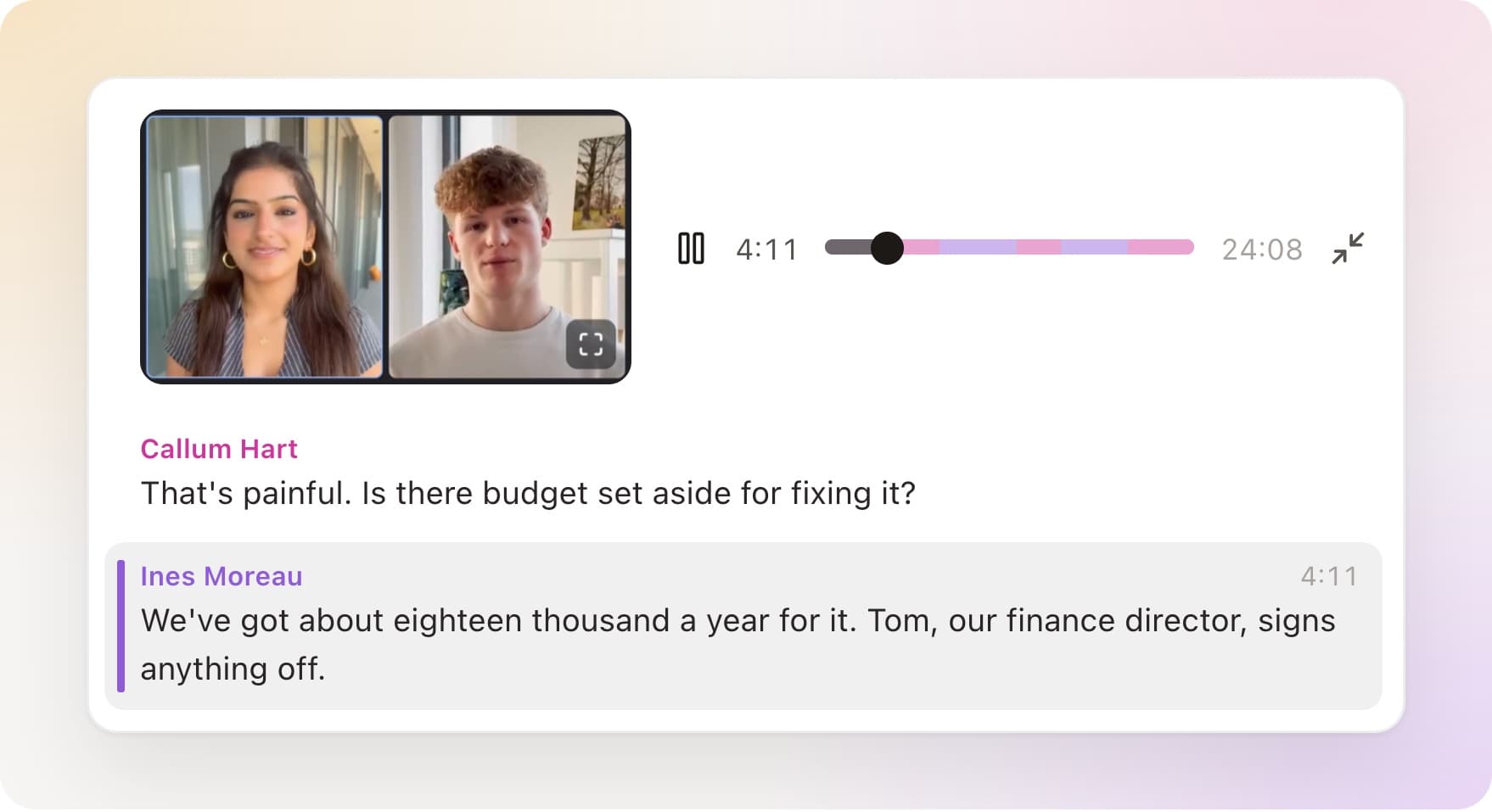
We're excited to share that Sorinai now records video. Open a meeting and the call is there above its transcript, ready to play.
Recorded on your computer
Most note takers that record video send a bot to do it. The bot joins as a participant and sits in the grid for the whole meeting, and people talk a little differently with it there. That's why no bot joins the call in Sorinai, and adding video didn't change it.
Sorinai already hears your calls through your own computer. It now records the picture the same way, from the meeting app on your screen. Nobody new appears in the participant list, and there's nothing for anyone to admit.
You still tell people they're being recorded, as you always have.
Play the call from any line
The player sits at the top of a meeting's transcript. Click any line and the call plays from that moment, with the line being spoken marked as it goes. Click the picture to watch it bigger.
It works from your notes too. The lines Sorinai writes carry the quotes they came from. Click a quote to find that moment in the transcript, then click the line to watch it being said.
Download the recording
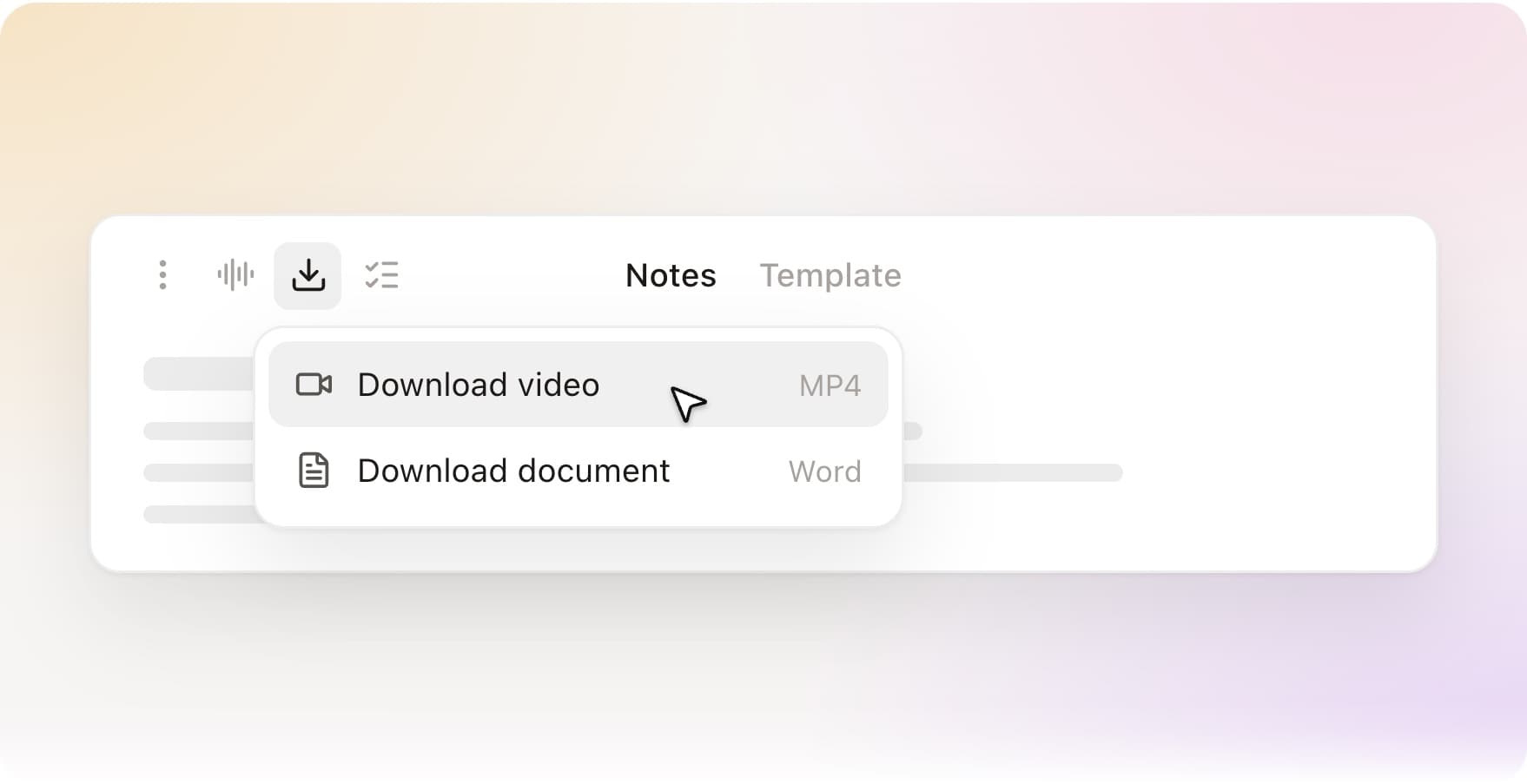
Download at the top of a meeting now offers the video as an MP4, as well as the filled-in document. Calls without video give you the audio as an MP3 instead. You can download recordings on every plan, including the free one.
Which calls get video
Calls in Zoom, Google Meet and Teams are recorded with video. On Windows there's nothing to set up. On a Mac, turn on Screen recording in Settings → Permissions, and macOS applies it the next time you open Sorinai.
Any other call, like a phone call through your computer or a WhatsApp call, is recorded as audio and plays back in the same player.
Live now
It's in the latest version of Sorinai, on Mac and Windows. Update, or download Sorinai for free.