It writes with you.
Quick TidyYou’re listening, not writing, so you type badly — fragments, no capitals, no punctuation. One press turns it into sentences, adding nothing you didn’t write.
Get the answer, context, or next question you need without leaving the conversation.
—
—
—
—
—
—
—
—
—
—
—
—
AI notetakers, AI notepads — whatever they call themselves, they work the same way. They sit quietly through your call and afterwards hand you something: a summary, a list of action items, a tidied‑up set of notes. Genuinely useful — you no longer have to choose between listening and writing.
But look at when the help arrives. The call is over. Whatever you meant to ask, you either asked or you didn’t. Whatever you misheard, you misheard. The document lands in your inbox describing a meeting you can no longer change, and some of what it describes was never said.
Every other part of your job has AI in it now — the research beforehand, the follow‑up afterwards, the deck, the CRM. The meeting itself is the one place you’re still on your own, and it’s the part that decides all the rest. So we put the help inside the meeting.
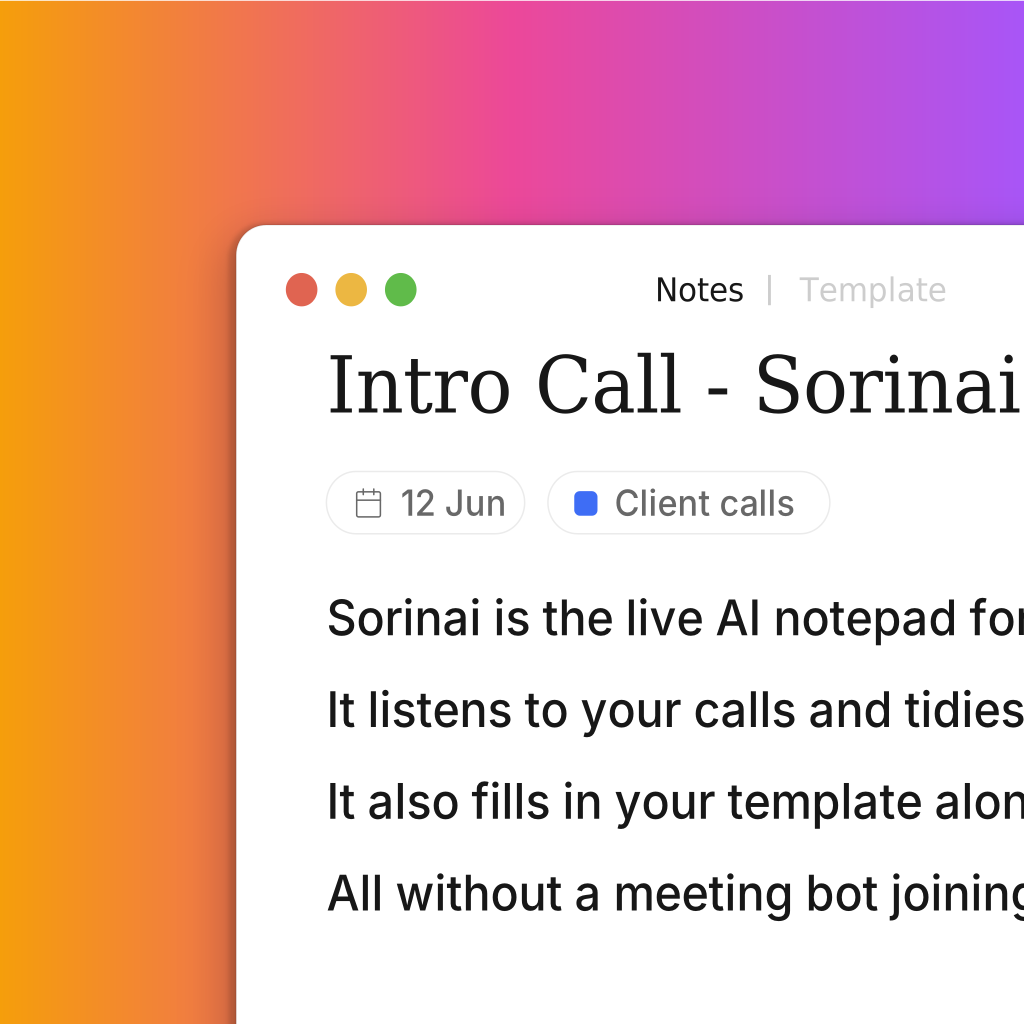
Every AI notetaker out there listens quietly and hands you a summary once the call is over. That is a recorder wrapped with an LLM on top, not really a "notetaker".
Say the word and Sorinai writes directly into the notepad you are already typing in, so you can focus on listening. Empty notepad and it starts you off, half‑written and it slots into the right place.
Sorinai is a partner, a teammate that works alongside you in a meeting. It can both hear and see your screen, not just a recorder that you use for playback.
Northwind — Q3 renewal
Almost everything you might want in a meeting already exists somewhere. The figure is in a document. The fact is one search away. A better way to put something is half a minute with an AI.
None of it is reachable while the call is running. You cannot open a browser mid‑sentence, and by the time the call ends, the moment those answers belonged to has gone with it.
So Sorinai is not one more summary that lands afterwards. It is all of that, within reach, while the conversation is still going on.
You’re listening, not writing, so you type badly — fragments, no capitals, no punctuation. One press turns it into sentences, adding nothing you didn’t write.
Ask it anything in the window you were already typing in. It answers from what is being said right now, and looks things up while you talk.
Your own template fills itself in as the conversation reaches each field. The empty ones are the questions you haven’t asked — while there is still time to ask them. If you haven’t got one, start from a free meeting template.
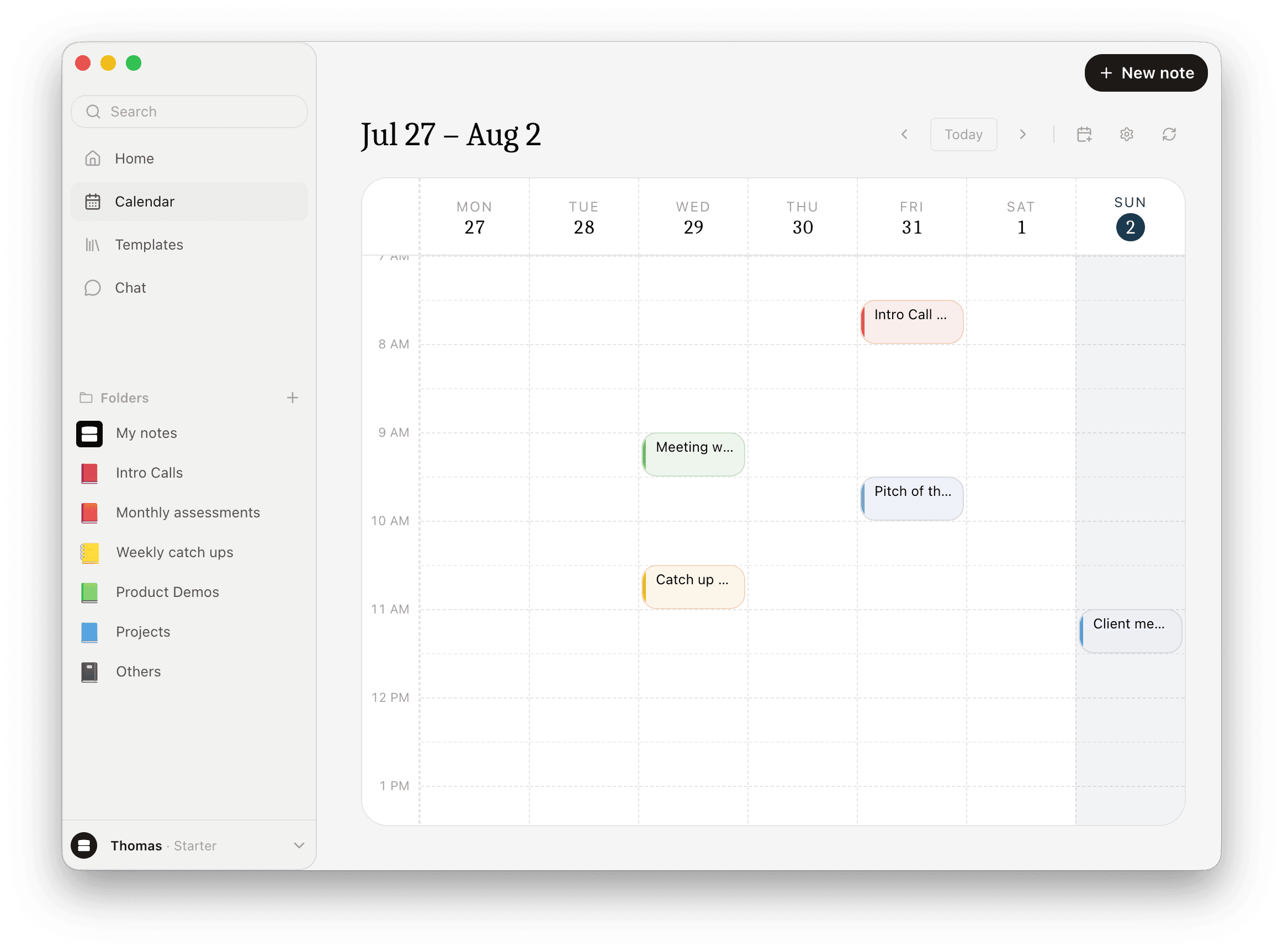
Connect your calendar and every meeting on it is one click from a note — the intro call, the pitch, the Friday catch-up. Nothing to set up when the call starts.
Because you are the one who knows what matters. Which detail will come up again, which throwaway line was actually the point — that judgement is the hard part of a meeting note, and it is yours. So Sorinai works around it rather than replacing it: unless you ask it to write something down, it never puts content in, and what you wrote stays yours. Ask, and it writes the line you asked for — nothing else.
Not without you being able to check. Every quote Sorinai shows you is checked against the transcript word for word before it is saved, and a template field can’t be marked confirmed without one. A line you wrote yourself carries no quote, because nothing about it was inferred. And because it writes during the call rather than reconstructing it afterwards, you see each line land while the person who said it is still on the line.
It stays your fields, in your wording — Sorinai fills the sheet, it doesn’t replace it with a tidier one. Nothing is standardised on the way in or on the way out, so the sheet can be exactly as particular as your process is. You get your own document back, in your own format.
Then it’s just a notepad, and the Template tab stays empty. Bring one when you have a set of questions you ask on every call — until then Quick Tidy and the copilot work exactly the same.
They’re your notes, so yes — type into them during the call and change anything you like afterwards. Quick Tidy only changes how a line reads, never what it says, and you can keep writing while it runs.
No. Sorinai listens to your computer’s audio, so nothing joins the meeting and no one else sees a participant called Notetaker. There is nobody to admit and nothing to explain.
It works with any call, because it listens to your device rather than connecting to a meeting platform. That includes Zoom, Teams and Google Meet, and also phone calls, WhatsApp and FaceTime.
Yes. Sorinai runs on both Mac and Windows.
Starter is free forever, with unlimited meetings — no card. Meetings older than 30 days need a paid plan to open again; nothing is ever deleted, and everything from the last 30 days stays available on the free plan.
Wherever you want them. Copy the note and paste it straight into an email, a document or your CRM — the headings and bullets come with it. You can also download it as a file, or send someone a link that opens the note in their browser, even if they don’t use Sorinai.
No. Your transcripts and meeting notes stay yours, and Sorinai never trains AI models on your content.