Meet the note taking pill
 The Sorinai team·21 September·3 min read
We're excited to share that we've added a new component to Sorinai's note taking: the note taking pill.
We've noticed that a number of users don't keep the notepad beside them during a meeting. Some prefer leaving it in the background, rather than using it as a side notepad to jot things down. The notepad often ends up behind the call, the browser tab, the document you're walking through. In these use cases Sorinai can feel almost absent from the meeting.
Getting it back meant Alt/Tab, or clicking through the taskbar, in the middle of a conversation. The new pill is a quicker and more intuitive way to bring your notepad back.
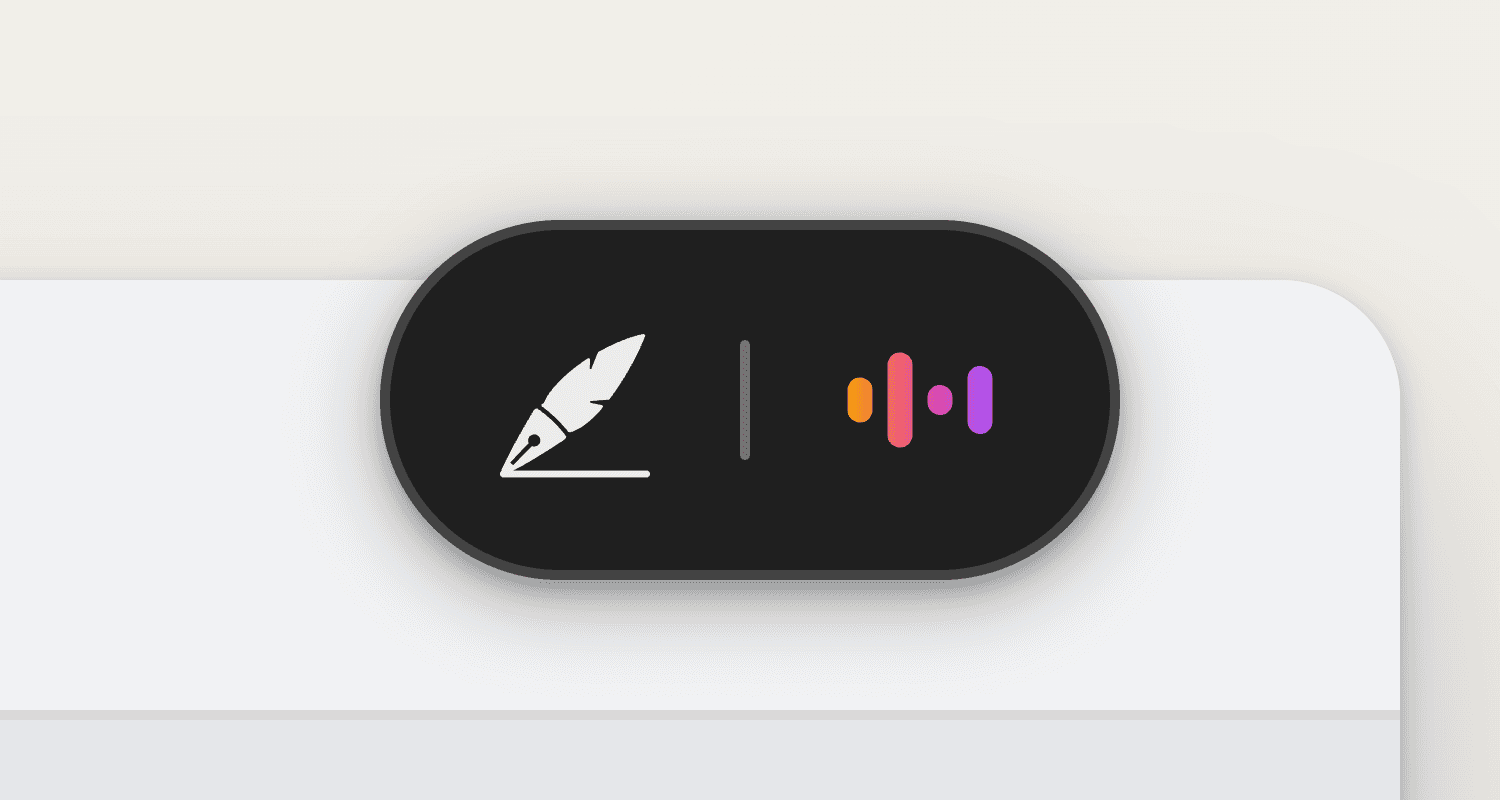
Quick notepad access
The pill sits at the top of your screen while Sorinai is listening to a call and you're working on a different window. It's small and subtle.
Click it and your notepad comes straight back to the front. No more frantically switching tabs to get to it.
And once you're back in Sorinai, it gets out of the way on its own. Behind it, your notes are still being written while the call runs.
It stays out the way
The pill is invisible to others during screen share. It's excluded from screen capture, so it shouldn't land in a screen you're sharing or a recording you make.
And it's design is deliberately minimal, no clock, no buttons. It turns up while a recording is running and nowhere else. Think of it as a friendly reminder that Sorinai is working for you in the back.
You can customise it
In Settings, under Preferences, Where the recording notch opens gives you top left, top centre and top right. It starts in the centre. Pick a different one and the pill uses it the next time it appears.
Live now
It's there in your next recording, once you're on the latest version. Staying out of the room shouldn't mean leaving you guessing.
