How to write meeting minutes
 The Sorinai team·17 August·9 min read
What are meeting minutes?
Meeting minutes are the official record of what a meeting decided, kept on behalf of the group rather than any individual. They are written for the people who were not in the room, and for whoever needs to know a year from now what was agreed and by whom.

That audience is why minutes follow a fixed shape instead of the shape the conversation happened to take.
Why are they called minutes?
Not because of the clock. The word comes from the Latin minuta scriptura, meaning "small writing" — the rough, condensed notes taken during a meeting rather than a full account of it. It is minute as in my-NEWT, small, and it has nothing to do with sixtieths of an hour.
The name describes the job. Minutes are supposed to be the small version.
What is the difference between meeting minutes and notes?
Notes are yours. You write down whatever seems worth keeping, in whatever form suits you, and nobody else needs to be able to read them.
Minutes belong to the group. They record what was decided and who agreed to do what, in a form someone can rely on later. Most of the discussion never appears. If three people spend twenty minutes disagreeing about a budget and the committee approves it, the minute is that the committee approved it.
This is the mistake people make most often. Minutes written as a running account of the debate are longer, slower to read, and worse at the one job they have. Someone opening them in six months wants the decisions, not the argument.
What should be included in meeting minutes?
Almost every set of minutes carries the same fields:
- The name of the group, and the date, time and place of the meeting
- Who attended, and who sent apologies
- Whether the previous minutes were approved as accurate
- Each agenda item, with the decision reached
- Actions: what, who owns it, and by when
- The time the meeting closed, and the date of the next one
The actions matter more than anything else on that list. A decision with no owner and no date is the thing that quietly fails to happen, and the minutes are where that gets pinned down.
Two of those fields are formal-meeting habits rather than universal ones. Approving the previous minutes, and recording the time the meeting closed, belong to boards and committees; a Tuesday team sync does neither. The section on format below draws that line properly.
How do you take minutes, step by step?
Before the meeting. Get the agenda and build your document from it, one heading per item, before anyone speaks. Most of the work of minute-taking is typing structure, and structure is the part you can do in advance. For a formal meeting, have the previous minutes open too — the first substantive item will be approving them.
During. Write decisions and actions as they happen, in the moment they happen. Do not try to keep up with the discussion — you are not transcribing it, and attempting to is what causes people to miss the decision when it finally arrives. When something is agreed, stop and get the wording down, including who owns it and by when. If you did not catch it, say so and ask. Interrupting for ten seconds is cheaper than guessing later.
Immediately after. Fill the gaps while the meeting is still fresh — within the hour, not the next day. Check every action has a name and a date against it, and that every agenda item has an outcome rather than a summary of the conversation.
Then circulate. Send the draft to attendees within a few days, marked as a draft. For a formal body it goes out with the papers for the next meeting, where it is approved and becomes the record.
What format should meeting minutes follow?
This depends on whether the meeting is a formal one, and most advice on the subject fails to say so.
Formal meetings — a board, a committee, an AGM, a trustee meeting — follow conventions that exist because the minutes may be relied on by someone who was not in the room:
- Past tense, third person. "The board approved the revised budget," not "we approved."
- Neutral throughout. Record what was decided, not whether it was a good idea.
- Attribute sparingly. Names belong against actions, formal proposals and votes. For ordinary discussion, "the committee considered" is enough — naming who argued what invites people to reopen it later.
- Record votes as numbers. For, against, abstentions, and any declared conflicts of interest.
- Treat them as a draft until approved. Minutes are agreed at the following meeting, and that approval is what makes them the record.
Informal meetings — a team sync, a project check-in, a one-to-one — need almost none of that. Nobody approves the minutes of a Tuesday stand-up at the next stand-up, and nobody records abstentions. What goes is the ceremony, though, not the substance. A team record still needs:
- What was decided
- Who is doing what, and by when
- Any number that was quoted — a budget, a target, a headcount, a runway figure
- Any date that was agreed, and what it is a deadline for
- What is blocking something, and who can clear it
- Anything someone outside the meeting needs to know
The numbers are the ones people most often leave out and most often go back looking for. Someone says "we're at about sixty percent of target" in passing, everybody nods, and three weeks later nobody can remember whether it was sixty or seventy, or what it was sixty percent of.
Applying board conventions to a team meeting produces a document nobody reads. Applying team informality to a board meeting produces a record that does not hold up.
Meeting minutes templates
Three shapes covering most meetings. Copy the one you need into a Word document, keep it as your house format, and delete any heading you did not use — an empty section is worse than a missing one, because it reads as something nobody got round to.
Board meeting minutes template
[ORGANISATION] — BOARD MEETING MINUTES
Date:          [date, time]
Location:      [venue / video]
Chair:         [name]
Minutes by:    [name]

Present:       [names]
Apologies:     [names]
In attendance: [non-members, e.g. auditors]

1. Apologies for absence
   [recorded above]

2. Declarations of interest
   [name] declared an interest in item [n].

3. Minutes of the previous meeting
   Approved as an accurate record / approved subject to [amendment].

4. Matters arising
   [item] — [update against a previous action]

5. [Agenda item]
   The board considered [subject].
   Decision: [what was resolved]
   Vote: [for / against / abstentions, if taken]
   Action: [owner] to [task] by [date].

6. Any other business
   [item, or "None"]

Meeting closed: [time]
Next meeting:   [date, time]
Team meeting minutes template
For a team or staff meeting. Shorter on ceremony than the board version, but not on substance — the numbers and dates are the parts people come back looking for.
[TEAM] — MEETING NOTES
Date:       [date, time]
Attendees:  [names]
Apologies:  [names]
Purpose:    [why this meeting happened, in one line]

DISCUSSED
- [topic] — [what was covered]
- [topic] — [what was covered]

KEY DECISIONS
- [what was decided, and who made the call if it matters]
- [what was decided]

KEY FIGURES
- [number quoted] — [what it refers to, and as at when]
- [budget / target / headcount / deadline-bound figure]

ACTIONS
- [owner] — [task] — due [date]
- [owner] — [task] — due [date]

DATES AGREED
- [milestone or deadline] — [date]

BLOCKERS AND RISKS
- [what is in the way] — [who can clear it]

CARRIED OVER
- [anything unresolved, and where it goes next]

FOR INFORMATION
- [anything someone outside this meeting needs to know]

Next meeting: [date, time]
AGM minutes template
[ORGANISATION] — ANNUAL GENERAL MEETING MINUTES
Date:      [date, time]
Location:  [venue / video]
Chair:     [name]
Quorum:    [confirmed / not met]

Present:   [number of members present, names of officers]
Apologies: [names]
Proxies:   [number received]

1. Notice of the meeting
   The notice was taken as read.

2. Minutes of the previous AGM
   Approved as an accurate record.

3. Chair's report
   [summary of what was reported]

4. Accounts for the year ended [date]
   Presented by [name].
   Resolution: that the accounts be received and adopted.
   Vote: [for] / [against] / [abstentions] — carried.

5. Election of officers
   [name] elected as [role], proposed by [name],
   seconded by [name].

6. Appointment of auditors
   Resolution: that [firm] be reappointed.
   Vote: [for] / [against] / [abstentions] — carried.

7. Any other business
   [item, or "None"]

Meeting closed: [time]
How do you make a meeting minutes template in Word?
Paste whichever shape above fits into a blank document, set the headings and spacing the way your organisation likes them, then save it as a Word template — .dotx — rather than an ordinary .docx document.
The distinction matters more than it sounds. Word opens a fresh copy of a template every time and leaves the original alone, so the blank never gets overwritten by last month's minutes. Saved as a normal document, a house template quietly becomes one meeting's notes the first time somebody forgets to Save As, and everyone after that starts from the wrong file.
If your organisation already has a minutes template, use that one. The value of a house format is that every set of minutes looks the same and the fields stay in the same order, which is what makes a year of them searchable.
What are the most common mistakes in meeting minutes?
- Writing a transcript. Minutes record decisions, not the conversation that produced them.
- Leaving actions unowned. "The team will look into pricing" names nobody and commits no one. Every action needs a person and a date.
- Recording opinions as facts. "The proposal was poorly received" is your reading of the room. "The proposal was not approved" is what happened.
- Writing them up days later. The wording of a decision is the first thing memory loses, and it is the part that matters most.
- Skipping the boring fields. Date, attendees and apologies feel like formalities until someone needs to establish who agreed to something, or whether the meeting was quorate.
How do you take minutes without missing the meeting?
Whoever takes the minutes is the person least able to take part in it. They are typing while everyone else is thinking, and they catch the wording of a decision at exactly the moment they most need to be listening to it.
The usual workaround is to write the minutes afterwards from memory and a recording. That costs another half hour per meeting, and the reconstruction is only as good as what you remember about a conversation you were half-present for.
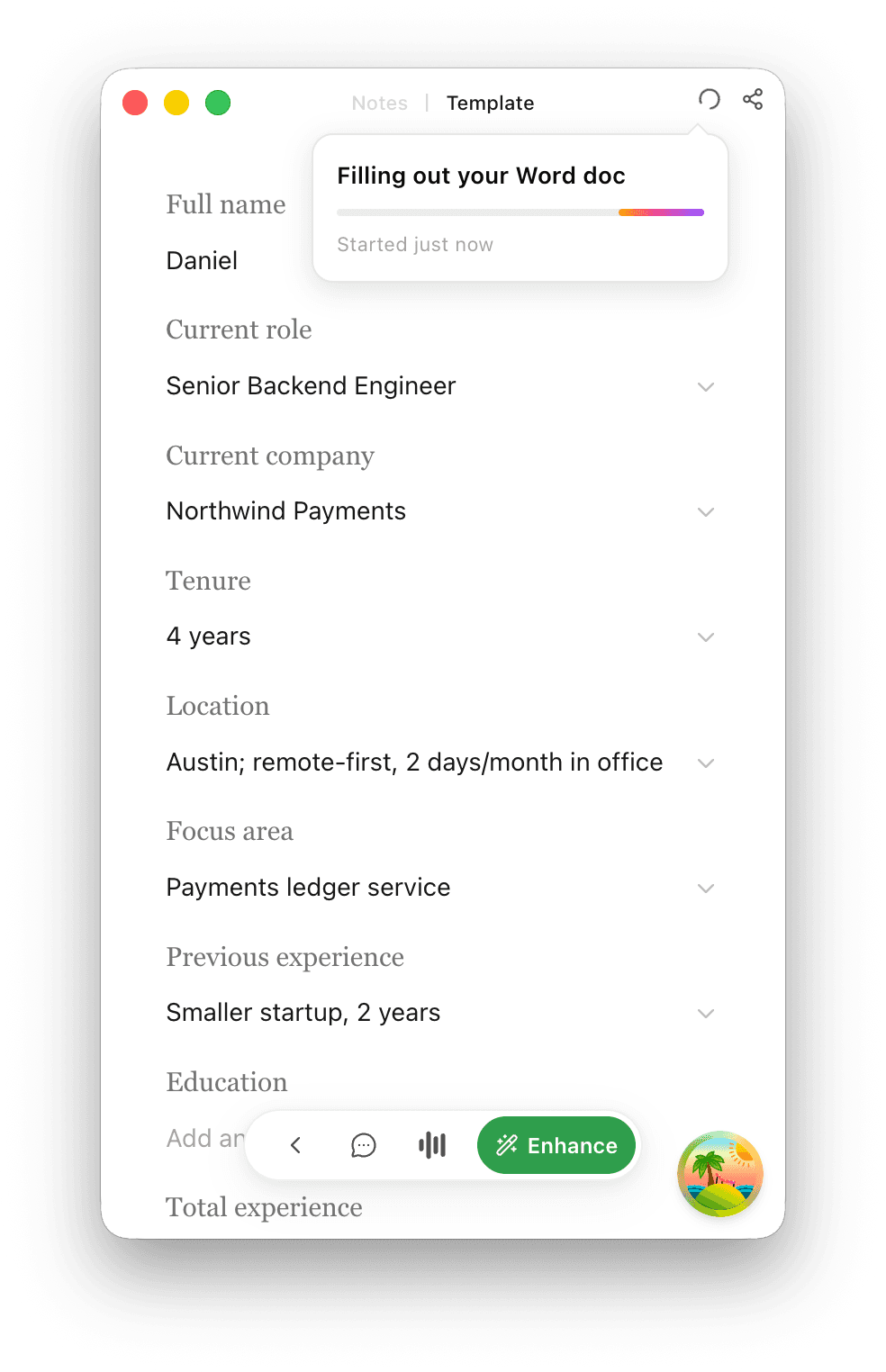
Sorinai takes the other approach. Bring the minutes template you already use — your Word file, your fields, your house format — and it fills them in as the conversation reaches each one. At the end you get your own document back, filled, with its formatting untouched.
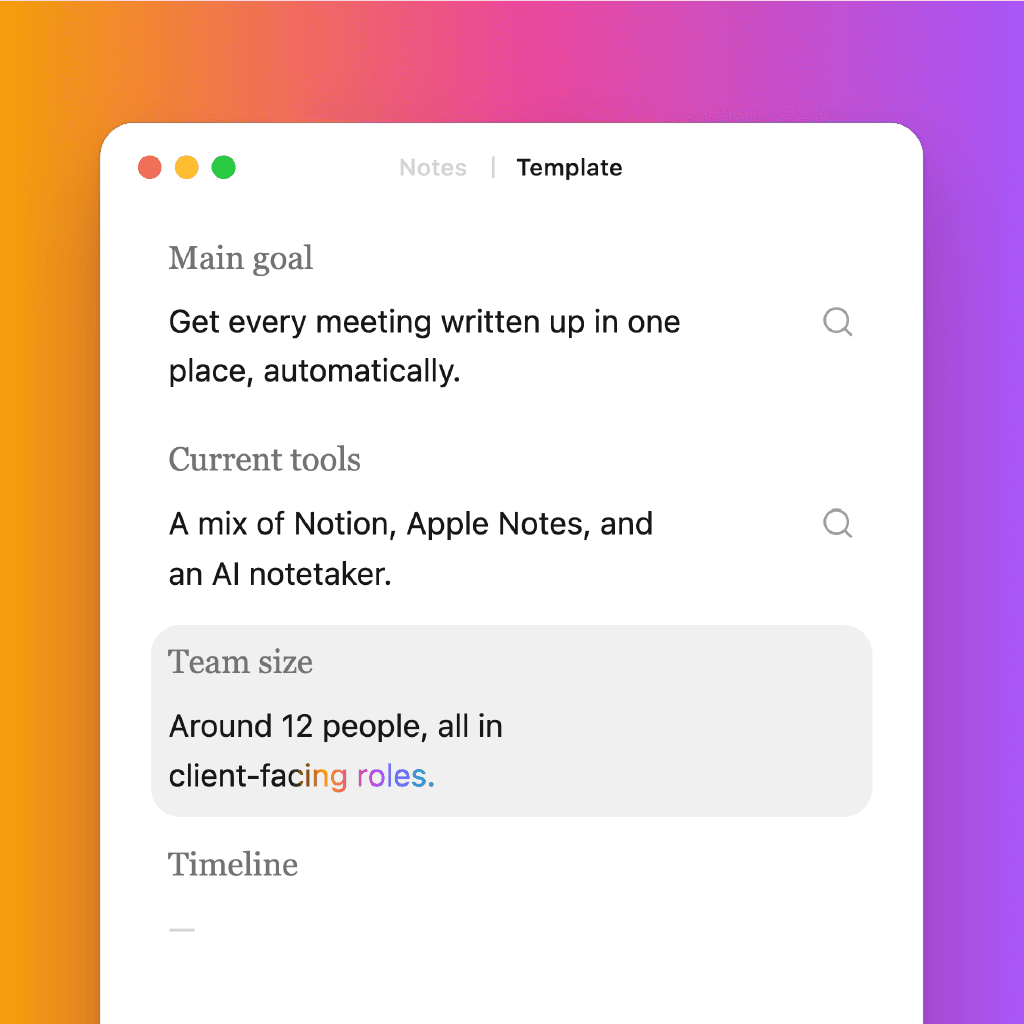
You still write. That part matters more than it sounds: you type what you notice, in your words, and it fills in around you rather than handing back a summary written by something that was not paying attention to the same things you were. The judgement about what mattered stays yours. Notes that get written during the call rather than summarised afterwards is the whole difference.
Two things follow from how it captures. It listens on your own computer, so no bot appears in the participant list — which matters when the meeting has external trustees or auditors in it and a visible recorder changes what people say. And because it is your machine's audio rather than a meeting link, it works the same way in a boardroom as on a call. Committee meetings happen in rooms more often than software admits.
Every line it writes also carries the verbatim quote it came from. For minutes that is not a nicety. Someone questioning a decision three weeks later, when nobody can recall the exact wording, is the situation the record exists to prevent — and being able to click a line and read what was actually said settles it in seconds rather than by argument.