ChatGPT and Claude can now build your own templates
 Il team di Sorinai·
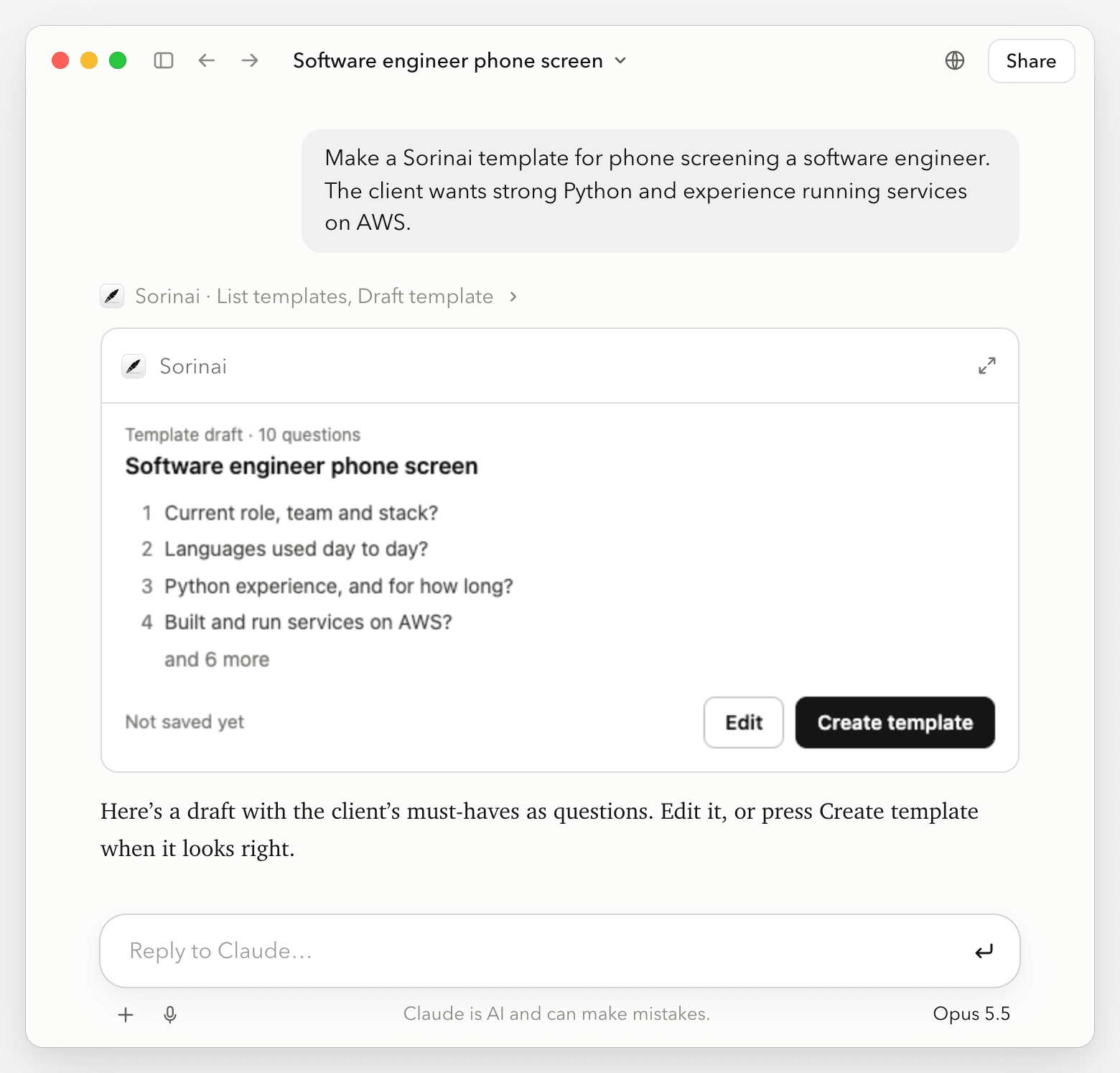
We're excited to share that you can now make a Sorinai template by asking for one. Tell Claude, ChatGPT or the chat in Sorinai what the call is for, and it writes the template for you.
In Claude and ChatGPT
With Sorinai connected, ask the way you'd ask for anything else:
- "Make a Sorinai template for phone screening a software engineer. The client wants strong Python and experience running services on AWS."
The draft shows up as a card in the chat, with the template's name and its first few questions. Press Edit to change the questions, or just ask for changes, then press Create template or tell it to save. Nothing goes into Sorinai until you do.
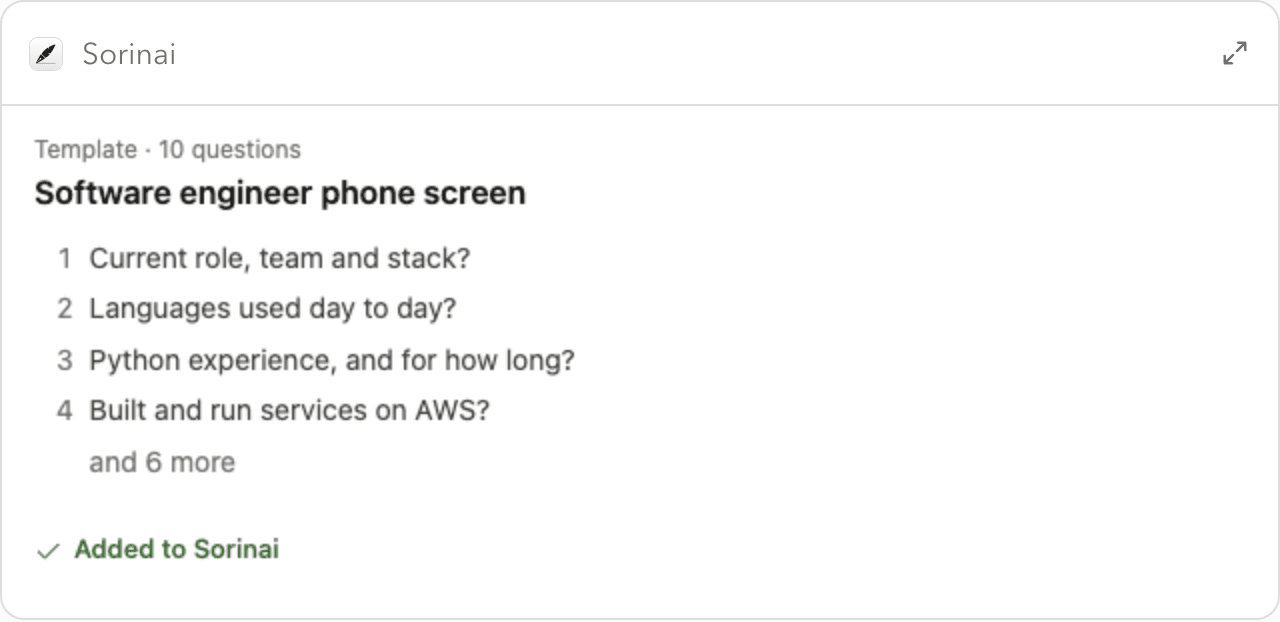
In Sorinai
Ask the chat in Sorinai and it adds the template straight away, with a View button to open it. If you already have one for that kind of call, it first asks how the new one should differ. Inside a meeting it can also turn that call into a template: ask it to "make a template from this call", and it writes the questions from what that call covered.
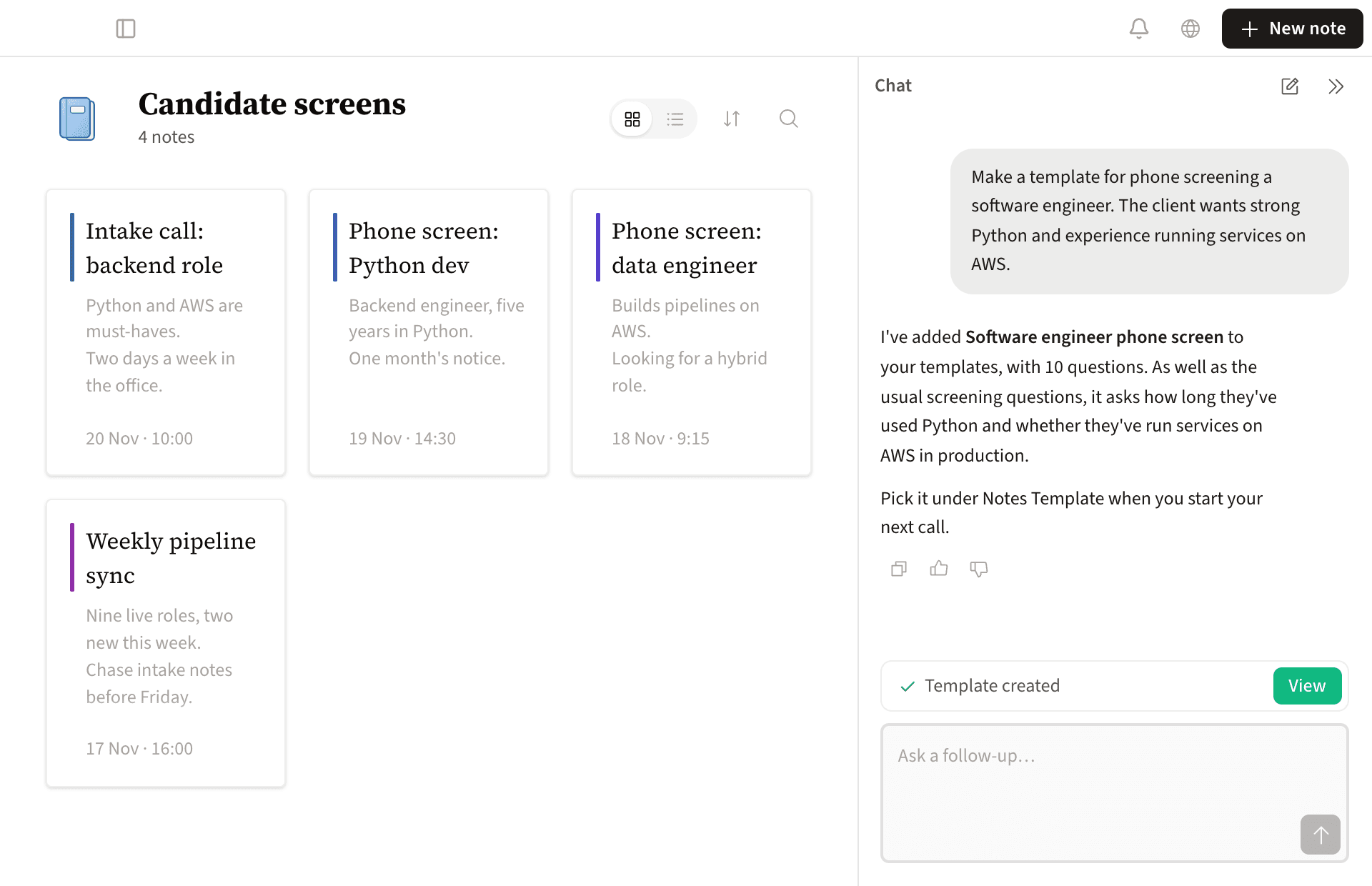
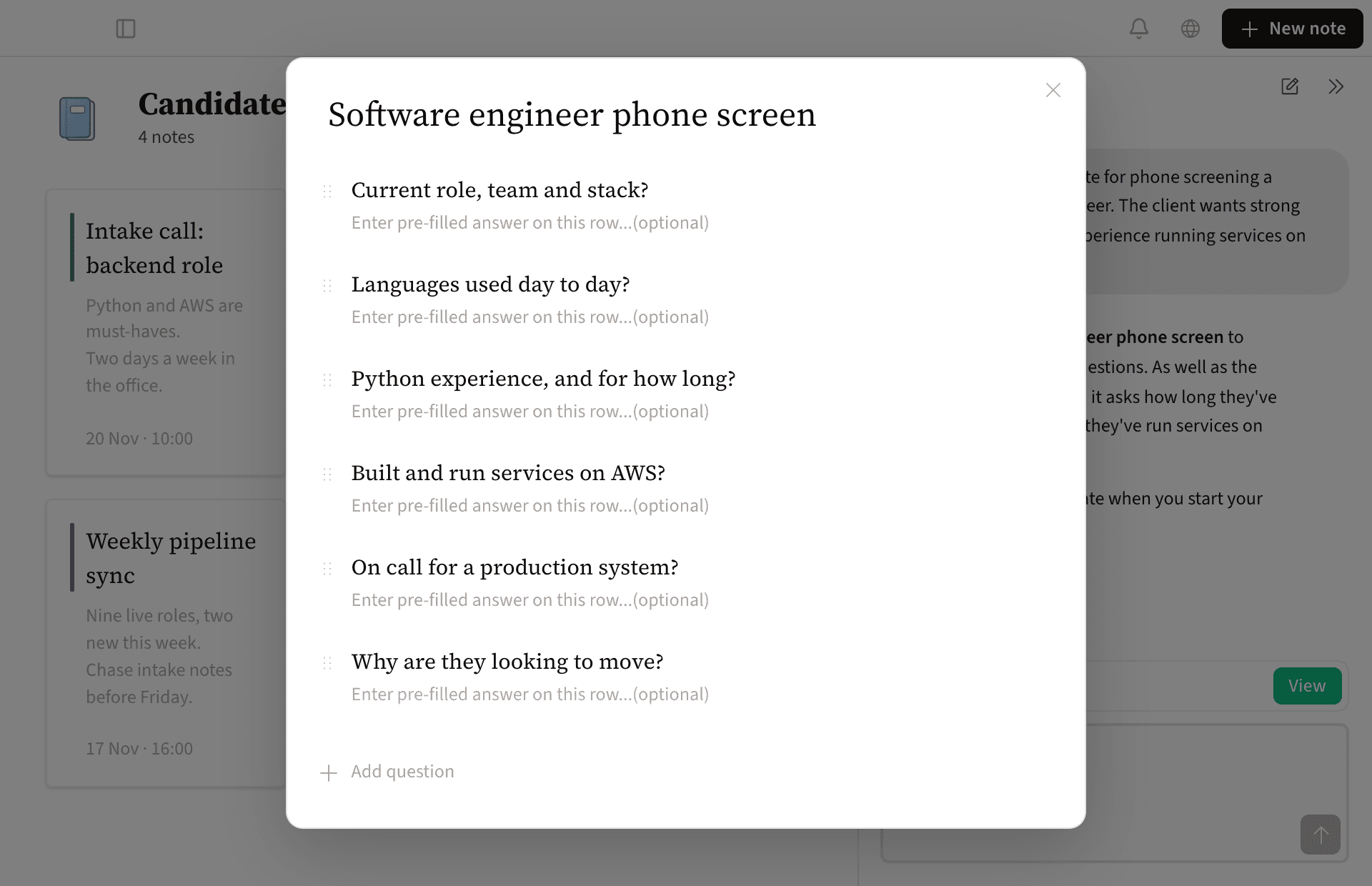
View opens the template, where you can change the questions or add more.
On the call
Pick the template under Notes Template when you start a new note, and each question ticks off as the call answers it.
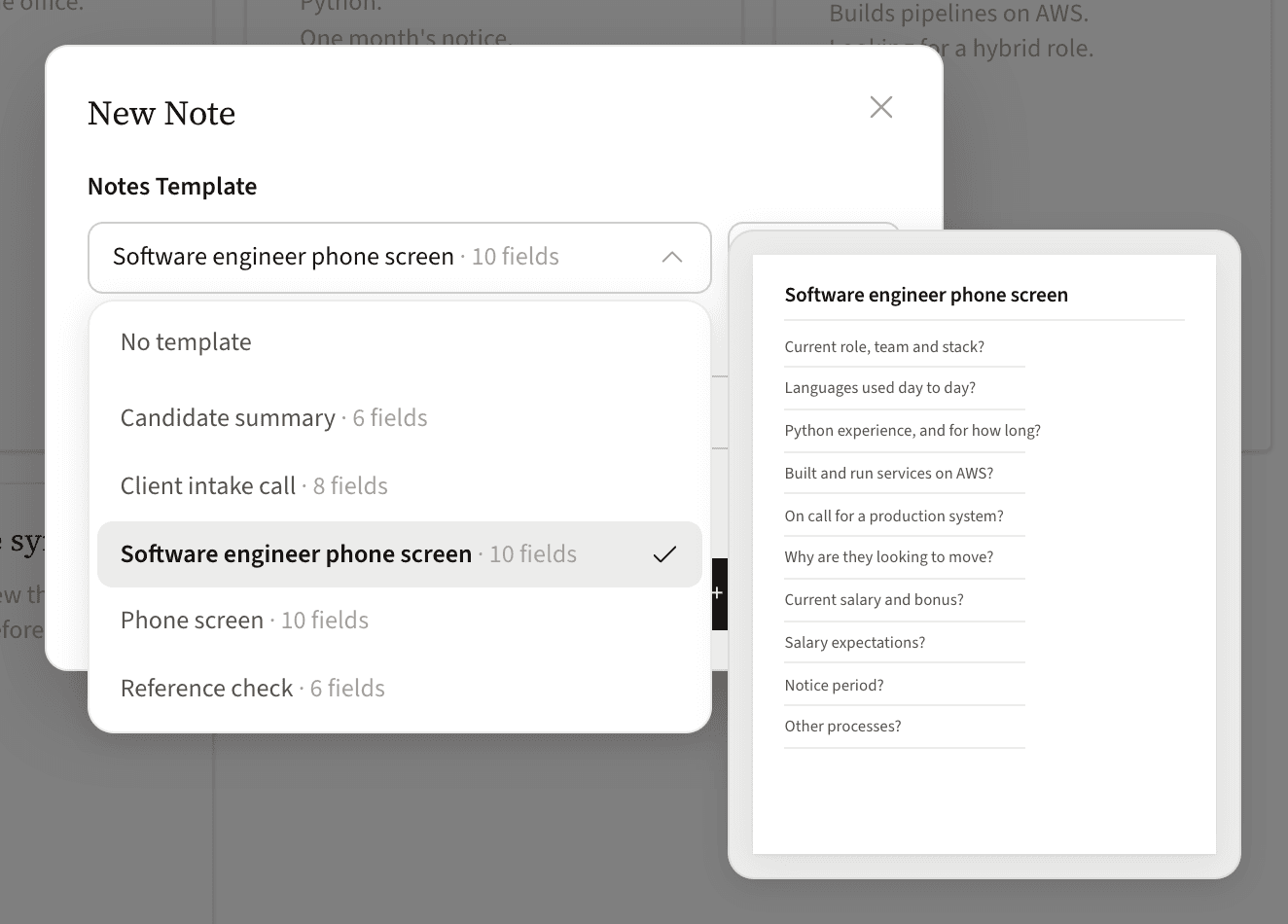
Afterwards, Copy template takes the answers to your ATS or an email, or Claude or ChatGPT can write them up for you. Claude and ChatGPT for recruiters walks through a whole phone screen done this way.
It works the same for any call where you ask the same questions every time, from a sales discovery call to a weekly one-to-one.
Live now
Connect Sorinai to Claude or ChatGPT in a few clicks, or download Sorinai.
